
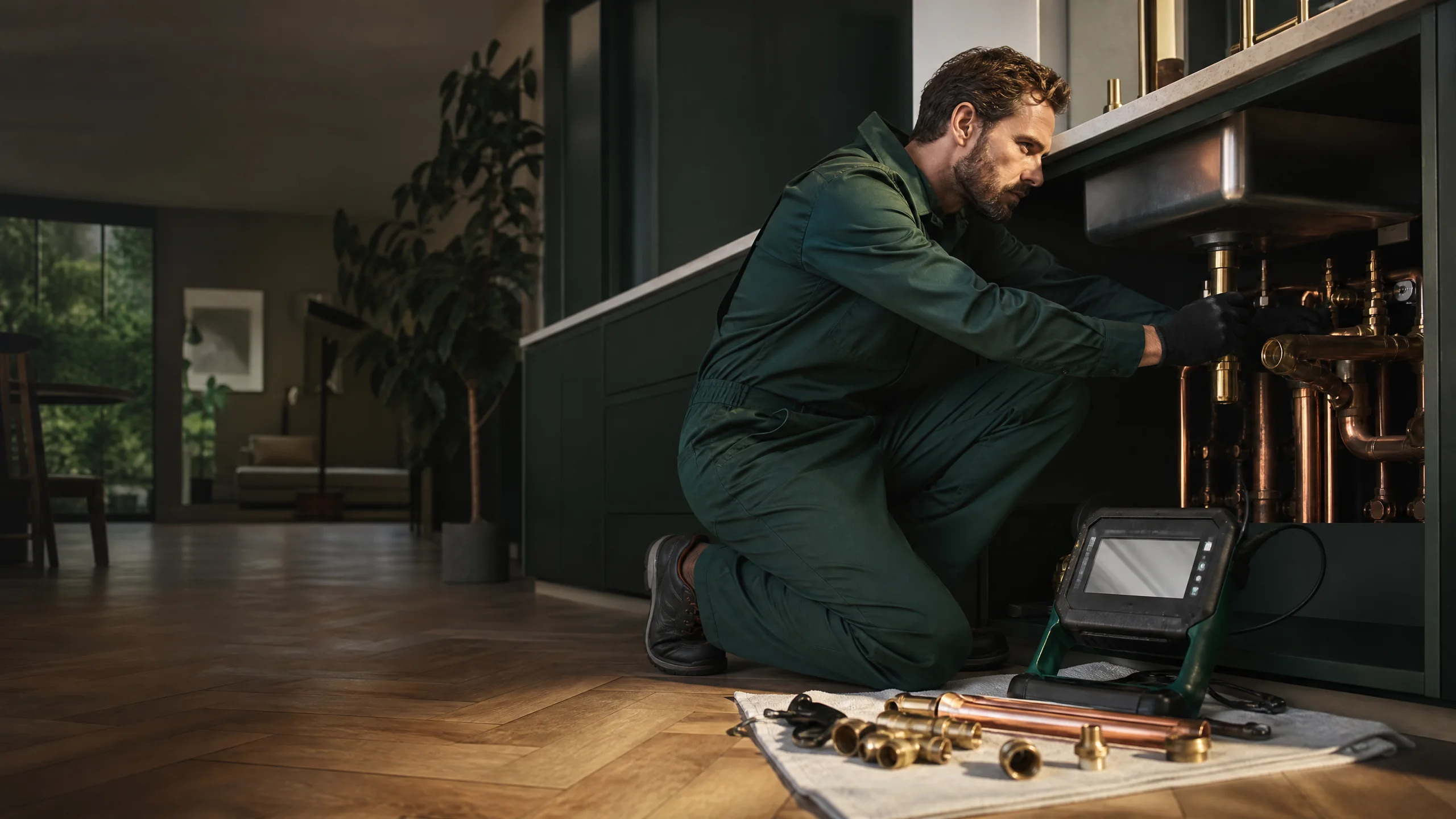
If you run a plumbing, HVAC, roofing, electrical, landscaping, or remodeling business, your website has one main job: get the right people to pick up the phone or send a request. Here's what we'd make sure is on it.
Put your phone number where thumbs can find it
This sounds obvious, but it's the thing we see missed most often. Your phone number should be at the top of every page, and on a phone it should be a tap-to-call link, not just text someone has to copy.
A few details that help:
- Keep a call button visible as people scroll on mobile, so they don't have to go back to the top.
- Say when you answer. "Mon–Fri 7–5, emergency calls 24/7" (only if that's true) tells people whether calling right now makes sense.
- Use one main number everywhere, the same one on your Google Business Profile, truck, and business cards.
If a homeowner has to hunt for your number, a competitor is one tap away.
Show your CSLB license number
In California, this isn't optional. State law requires licensed contractors to include their license number in their advertising, and the Contractors State License Board says that includes websites and online postings. Put it in your site footer so it shows on every page, and on your About page too.
It's also a trust signal. The CSLB tells homeowners to look for a license number in contractor ads and to check it on the CSLB website before hiring. Plenty of your customers will do exactly that, so make it easy for them.
Two related rules worth knowing, straight from the CSLB:
- Only advertise work within your license classification. If you're licensed for plumbing, your site shouldn't advertise roofing.
- Don't advertise that you're "bonded." The CSLB says contractors aren't allowed to, because it can give homeowners the wrong idea about how much protection they have. If your current site says "licensed, bonded, and insured," it's worth a second look.
If you're not sure what applies to your trade, check with the CSLB directly. We'll make sure whatever you're required to show is easy to find.
Give each main service its own page
A single "Services" page with a bulleted list doesn't do much for you. Someone searching for "tankless water heater installation" or "roof leak repair" wants to land on a page about exactly that.
For each service you want more of, build a page that covers:
- What the job involves, in plain language
- Common signs someone needs it (the problems homeowners actually describe)
- Whether you handle repairs, replacements, or both
- What happens after they call, such as an inspection or an estimate visit
- A call button and a short request form
You don't need 40 pages. Start with the three to five services that bring in most of your work or that you'd like more of.
Make your service area clear
Homeowners want to know right away whether you'll come to them. List the cities you actually serve, like Murrieta, Temecula, Menifee, Wildomar, and Lake Elsinore, if those are yours. Put a short version on the homepage and a fuller list on a service area page.
If you work out of your home or a yard you don't want customers showing up at, you can still show up in local search without publishing an address. Our post on setting up a Google Business Profile as a service-area business walks through how to hide your address on Google.
Use photos of your actual jobs
Stock photos of a smiling model holding a wrench don't convince anyone. Photos of your crew, your trucks, and your finished work do.
- Before-and-after shots are especially strong for remodeling, roofing, landscaping, and concrete.
- Add a one-line caption with the type of job and the city, like "Backyard patio cover in Menifee," as long as the homeowner is OK with it.
- Resize photos before uploading. Big image files are one of the most common reasons contractor sites load slowly on phones. Our post on website speed for small businesses covers what to fix first.
Get permission before posting photos of someone's home, and leave out house numbers and anything that identifies the address.
Keep the quote form short
Some people would rather not call, especially at night. A quote or service request form catches those leads, but only if it's quick. Ask for:
- Name
- Phone and/or email
- City or ZIP code
- What they need, in a short text box
- An optional photo upload, which is useful for repairs
Every extra required field gives someone a reason to quit halfway. Make sure each form submission actually reaches an inbox or phone someone checks daily, and test it every so often by sending yourself a request.
Show real reviews
Homeowners trust other homeowners. If you have good reviews on Google or another platform, show some of them on your site, with the reviewer's first name or initials and the type of job if they mentioned it. Link to your Google profile so people can see the rest.
Only use real reviews, word for word. Don't edit them to sound better and don't write your own.
Tell people who you are
A short About page goes a long way for a trade business. People are letting you into their home. Tell them:
- Who owns the business and how long you've been doing this work
- Whether you're local, and which part of the area you're based in
- Your license number and any trade certifications you actually hold
- A photo of you or your crew
Keep it factual and friendly. It doesn't need to be long.
A quick contractor website checklist
Pull your site up on your phone and go through this:
- Can I tap to call from the first screen of every page?
- Is my CSLB license number on every page?
- Does the site say I'm "bonded" anywhere? If so, take it off.
- Do my top services each have their own page?
- Is it clear which cities I serve?
- Are the photos my own work, and does the site load quickly?
- Is the quote form short, and does it actually reach me?
- Are there real reviews on the site?
If you miss more than a couple of these, our post on signs it's time for a website redesign can help you decide whether to fix a few things or start over. And if you're wondering what a new site runs, here's our breakdown of small business website cost.
Want help with your contractor website?
Agentive Industries builds websites for local businesses across southwest Riverside County, including home-service and trade businesses. If you're in Murrieta, take a look at our Murrieta web design page. Serving Temecula? Here's our Temecula web design page. You can also see how we work and some of our past projects.
Want us to look over your current site and tell you what's costing you calls? Call us at (951) 987-3284 or reach out through our contact page.
We can make the next step clear.
Tell us what you have now and what you would like to improve. We will reply in plain language.
Talk with Agentive